
Catalogue shelves, not one book at a time
Photograph the shelf as it stands and AI drafts an entry per book it can make out, each with a cropped photo. You tidy the titles and confirm — a bookcase in an evening, not a winter.
Home library
Photograph a shelf at a time. AI drafts an entry per book it can make out — you tidy the titles and confirm. The library becomes searchable shelf by shelf, and the built-in Lent Out place finally answers who has your copy.
What you get
Photograph the shelf as it stands and AI drafts an entry per book it can make out, each with a cropped photo. You tidy the titles and confirm — a bookcase in an evening, not a winter.
When a book leaves the house, move it to the built-in Lent Out place and tag it with the borrower’s name. Filter the library to that one location and everything on loan is a single list — the paperback you loved and last saw years ago stops happening.
Search the library from the bookshop before buying, and file each book to its shelf so “we own it, but where?” has an answer. Values and exports are there when the library needs insuring.
How it works
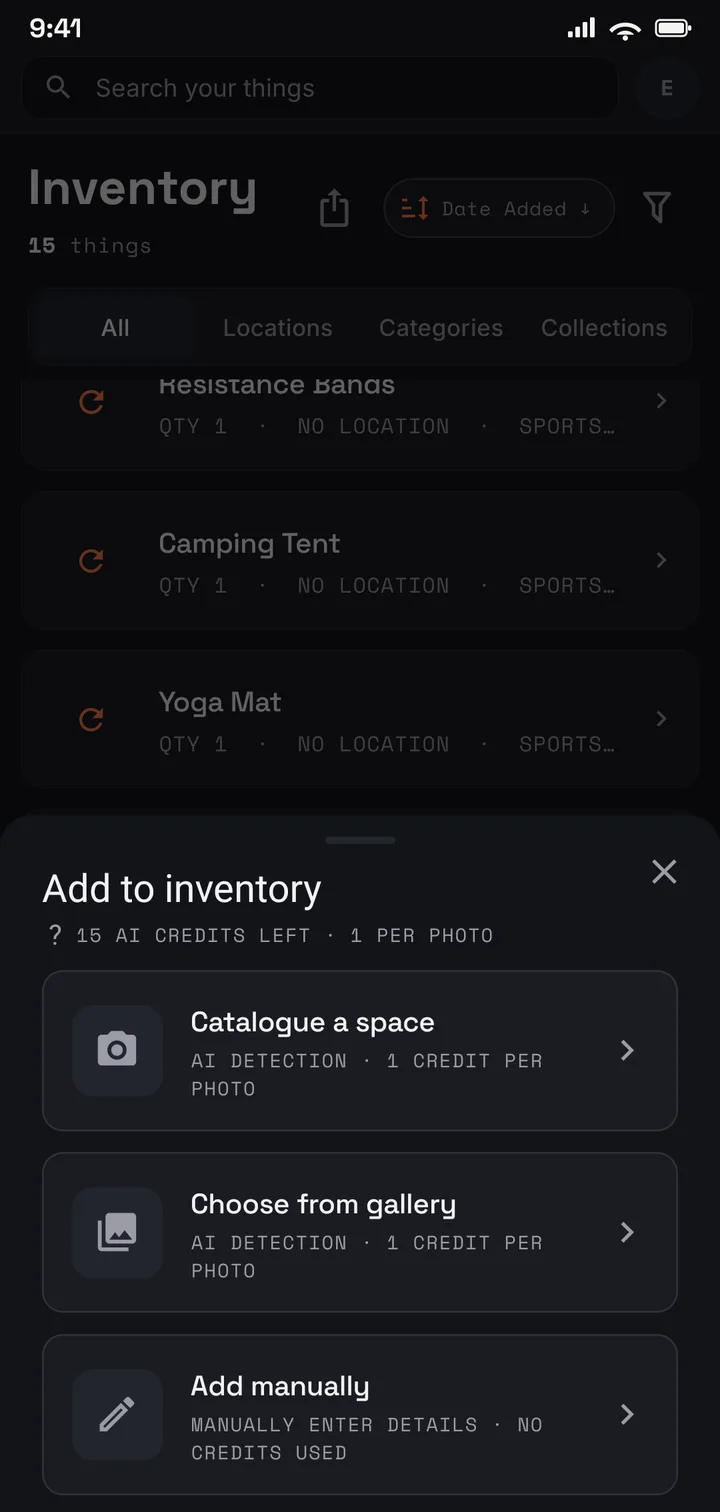
Photograph a shelf of spines at a time.
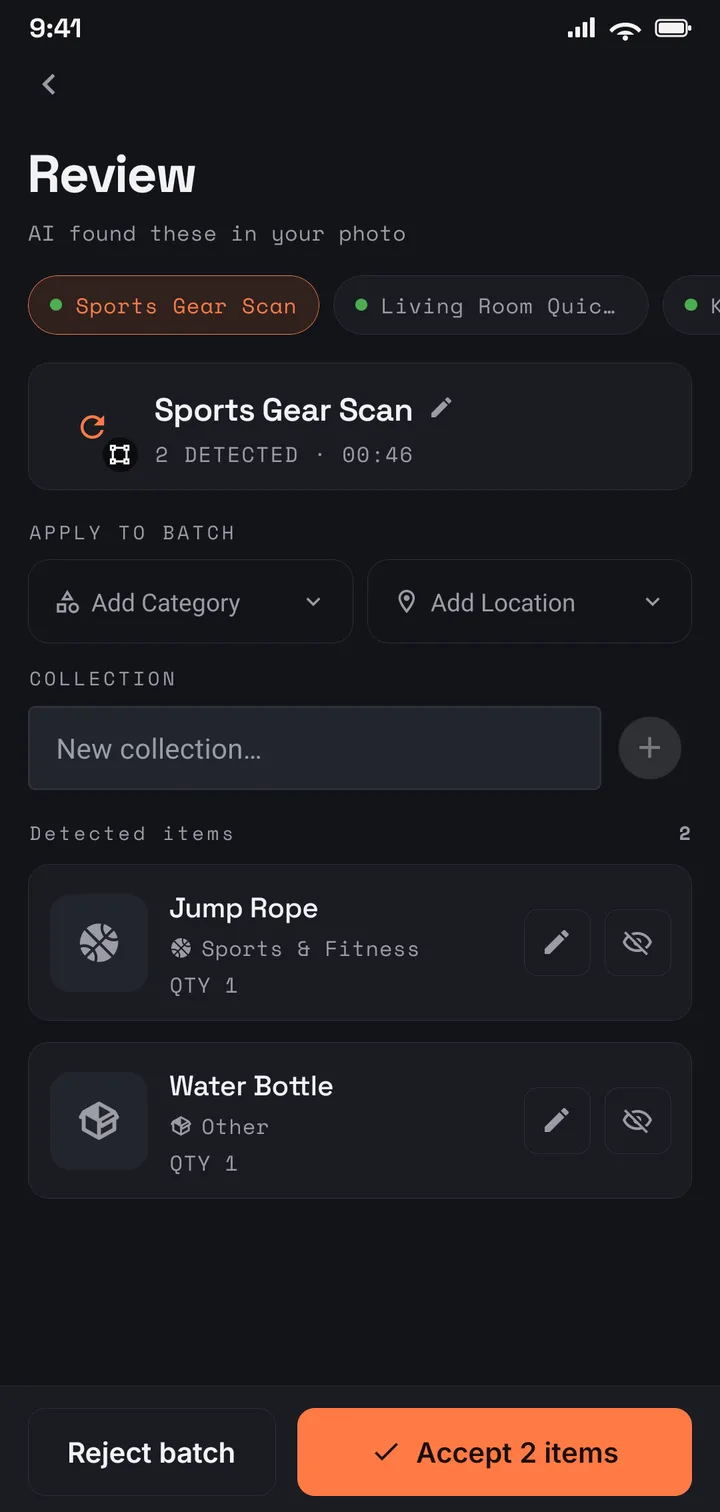
AI drafts an entry per book it can make out; you tidy the titles.
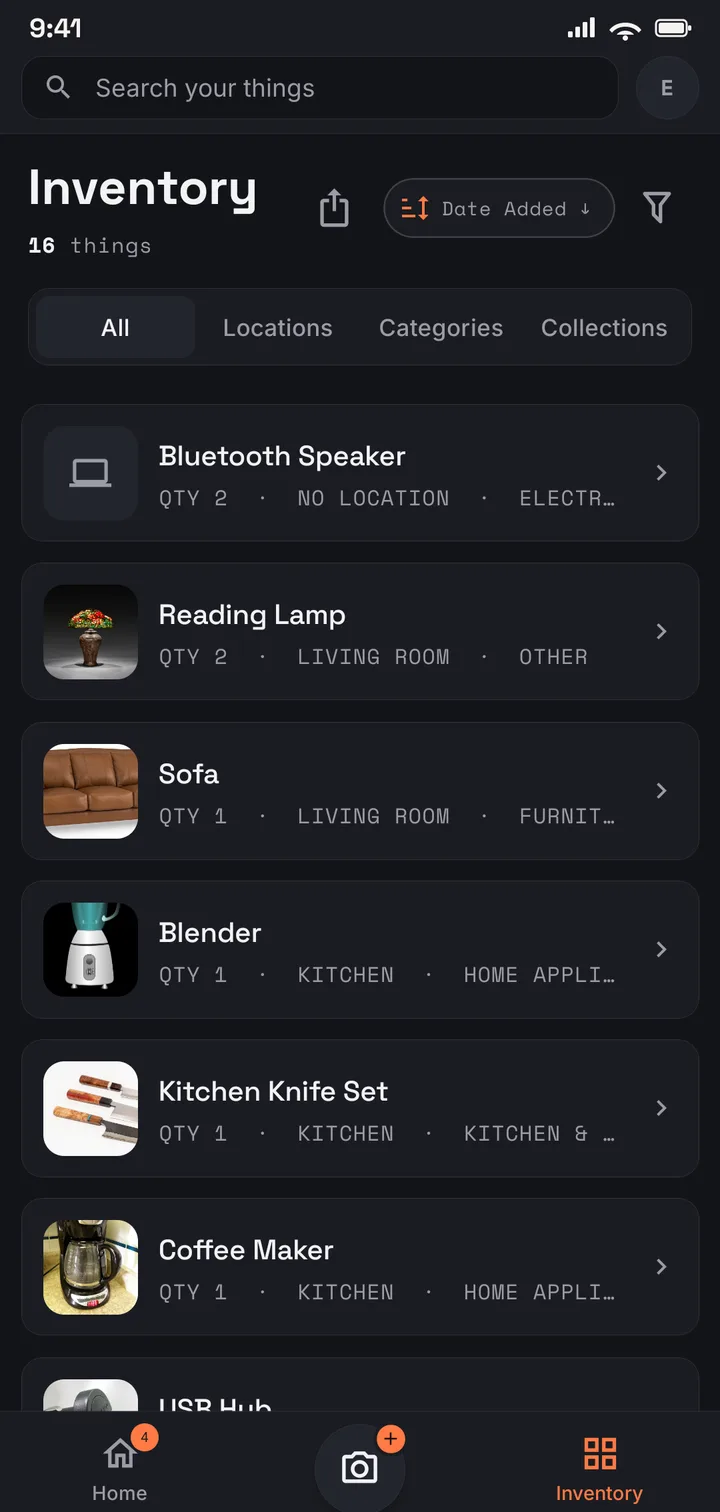
The whole library, searchable from the bookshop.
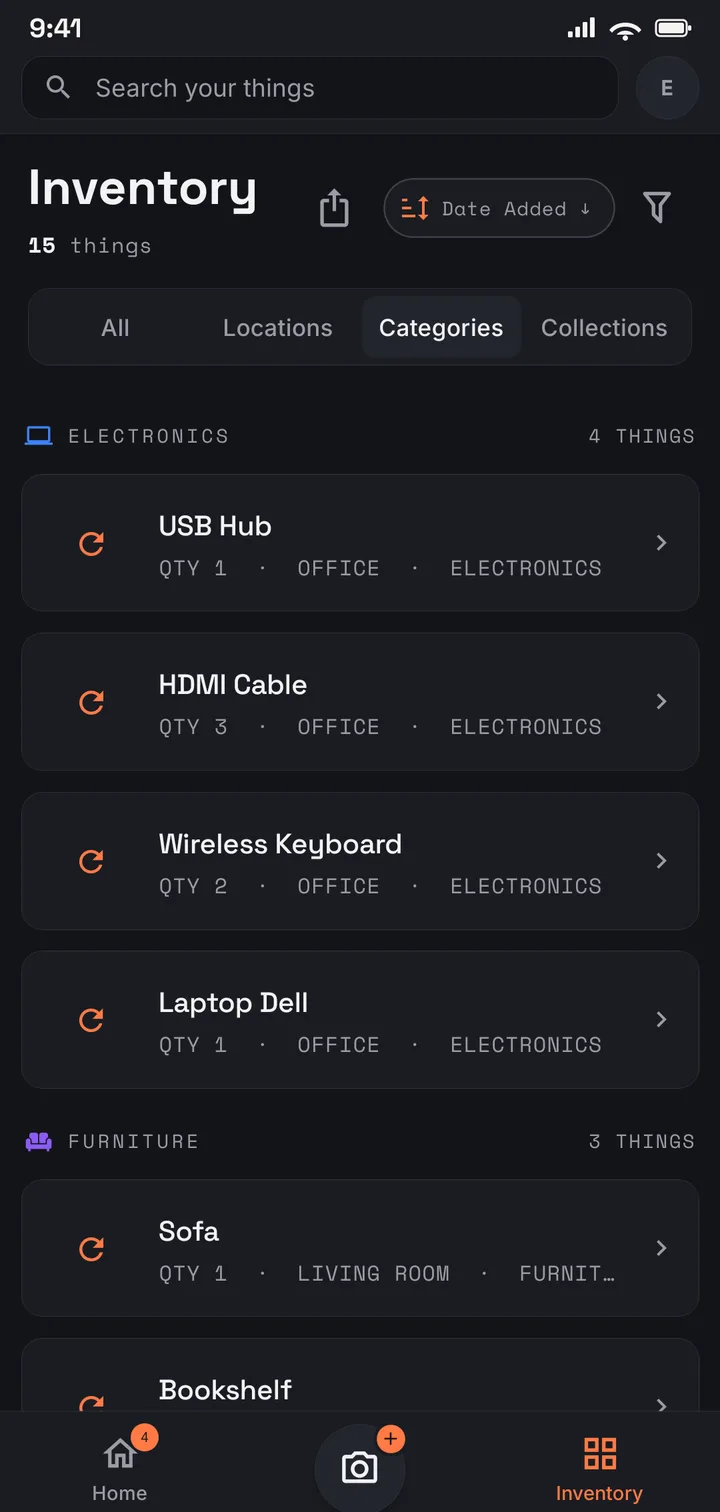
Bedroom shelves, the office wall, boxes in the loft — one library.
Where to start
Start free with 75 books — one bookcase. Plus covers a serious home library: 1,000 books across 50 locations, shelf by shelf, with the itemised PDF report. And a true library — the kind that has outgrown counting — fits Pro (US$9.99/mo · US$99.99/yr), with no item or location limits.
Use it in your browser today · Android on Google Play
Move the book to Lent Out — a place that comes built in, alongside your real shelves — and tag it with who took it. Filter by that location to see every book currently on loan, then move the copy back to its shelf when it comes home. One move, and the mystery of the missing paperbacks ends.
Not always — thin spines and stacked books can defeat the photo, and the drafts are yours to correct. Adding a missed book by hand takes a few seconds, and a second photo of the problem shelf is often the faster fix.
No — there is no ISBN or barcode scanning, and no book-database lookup. You photograph the shelf, AI drafts an entry per book it can make out, and you tidy the titles. That also means the record includes the books a barcode would never find: the pre-ISBN hardbacks, the foreign editions, the inscribed copies.
Yes. It is tied to your account, encrypted in transit and at rest, never sold, and never used for advertising. You can export your data, or delete your account and everything in it, at any time.