
Photograph a tray at a time
Lay them out, obverse up, and shoot. AI drafts an entry per coin with its own cropped photo; you confirm each one. Photograph the reverse too and keep both faces on the same entry.
Coin collecting
Lay the coins out and photograph them. AI drafts an entry for each coin it sees, with its own cropped photo — then you add what the photo cannot say: denomination, year, mint mark, the grade you would call it, and what it is worth to you.

What you get
Lay them out, obverse up, and shoot. AI drafts an entry per coin with its own cropped photo; you confirm each one. Photograph the reverse too and keep both faces on the same entry.
Denomination, year, mint mark, grade, provenance, what you paid — every entry carries a free-form description, tags, and a value, written the way you would write them. Search by tag to pull one country or one denomination back out.
Put a value on each coin. Export an itemised PDF report with totals, or a spreadsheet, when insurance documentation, a valuation, or a sale needs the figures.
How it works
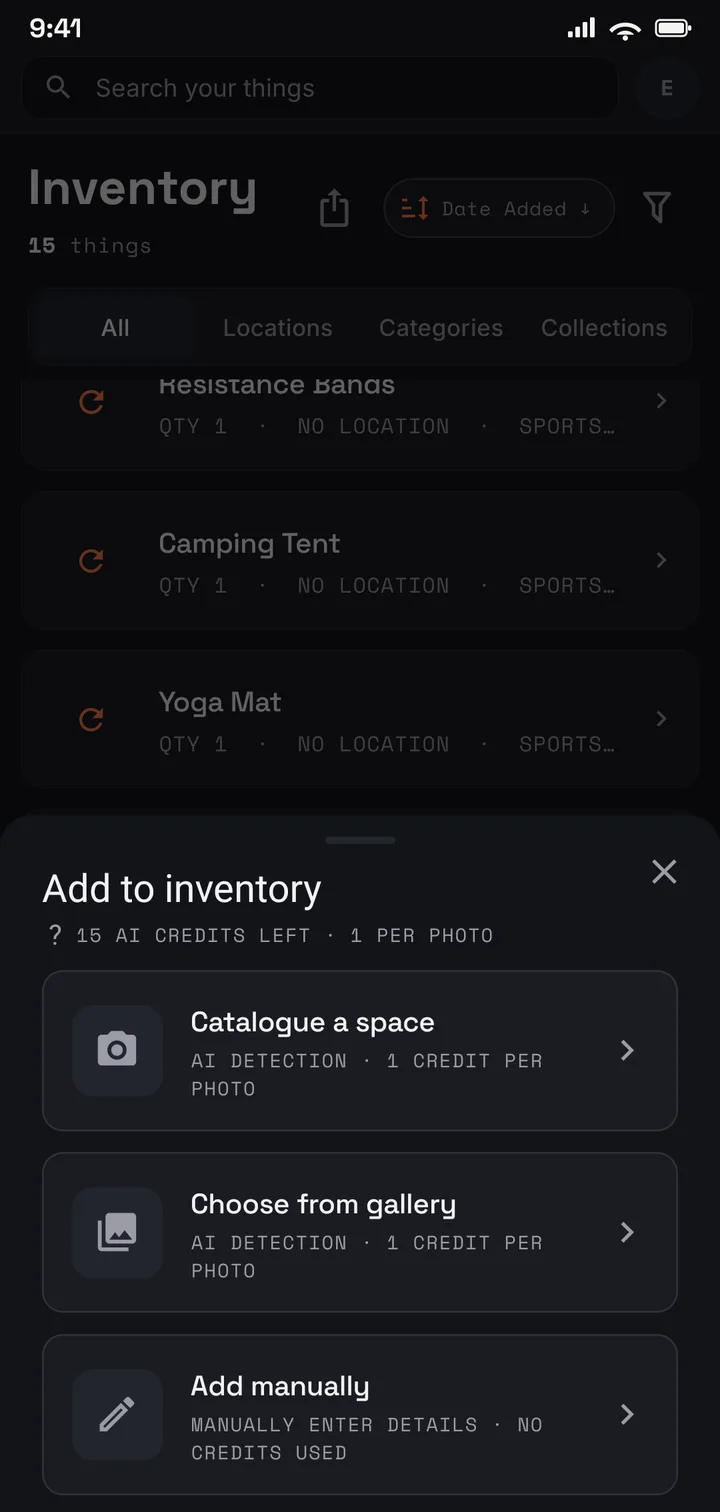
Lay the coins out and photograph them — a tray or an album page at a time.
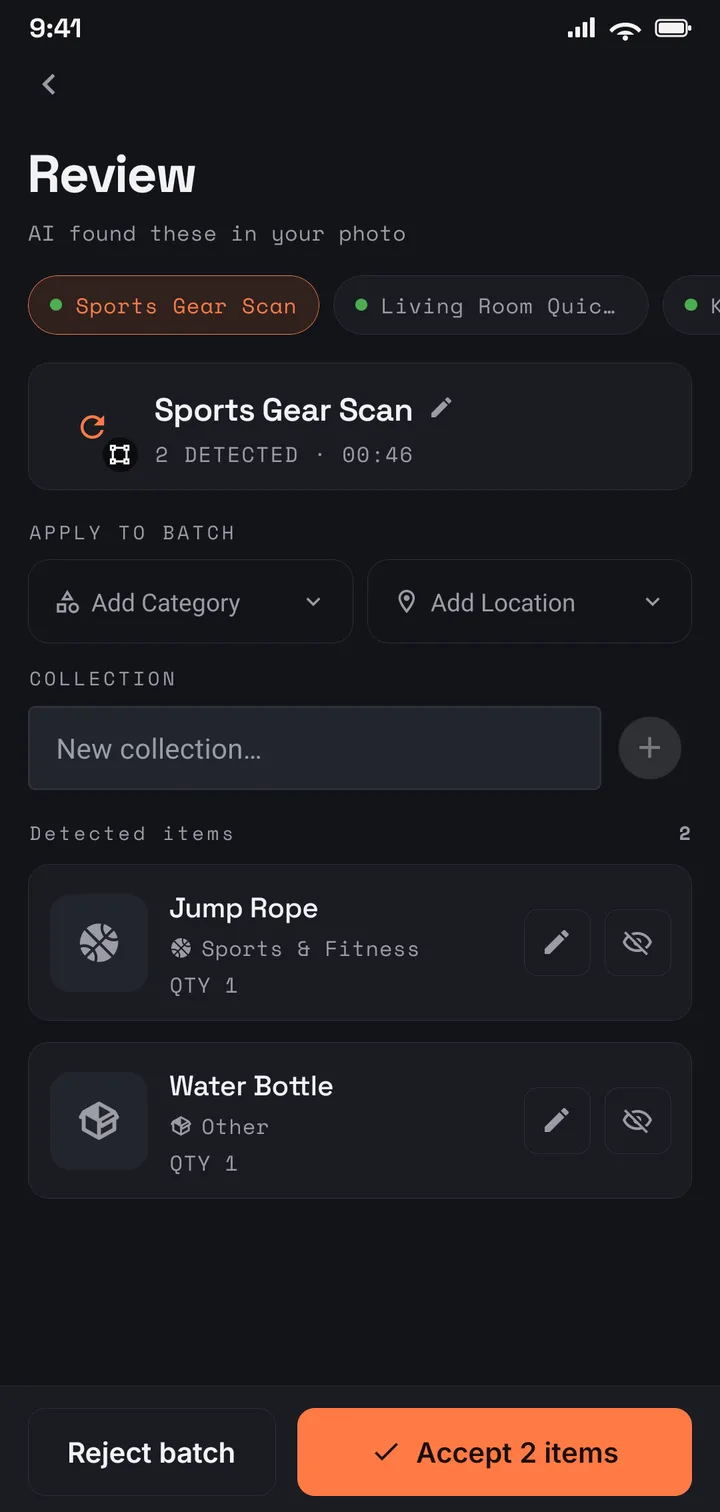
AI drafts an entry per coin it sees, each with a cropped photo. You confirm.
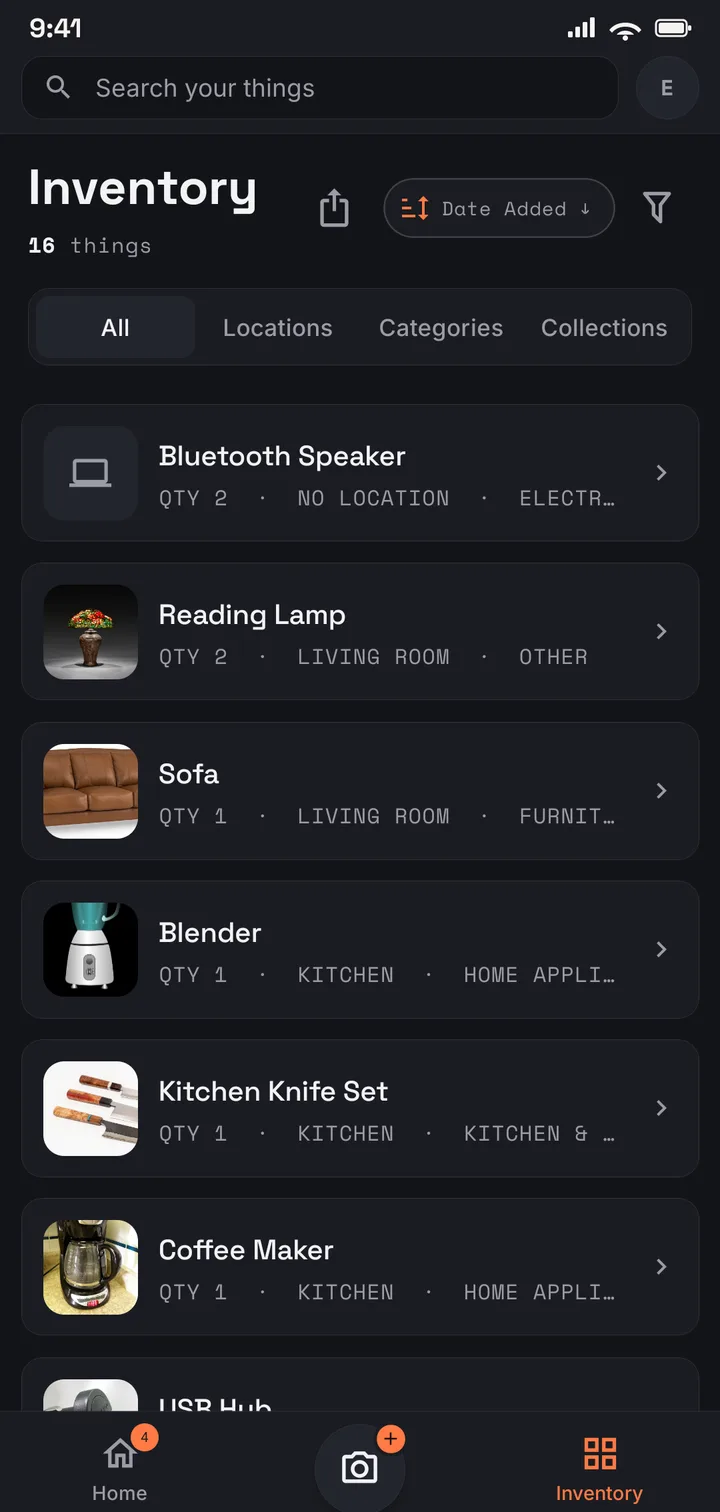
Every coin becomes a searchable record carrying your denomination, year, and grade notes.
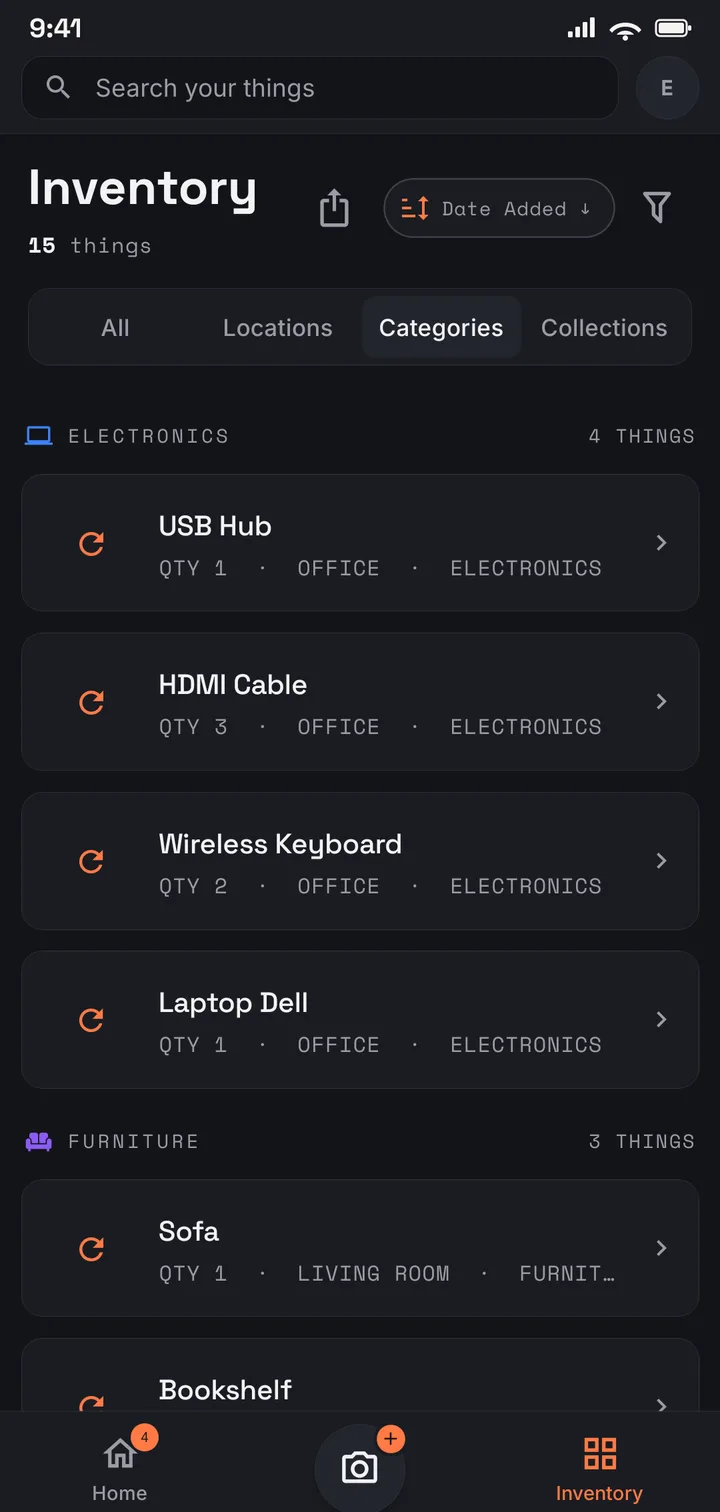
Albums in the study, tubes in the safe — the collection still reads as one list.
Where to start
Start free with 75 items across 8 locations — enough to catalogue your best trays properly. Plus covers a serious collection: 1,000 coins across 50 locations, with the itemised PDF report. And when a lifetime of collecting outgrows counting, Pro (US$9.99/mo · US$99.99/yr) removes the item and location limits entirely.
Use it in your browser today · Android on Google Play
An item holds multiple photos, so photograph the obverse, then the reverse, and keep both on the same entry — a slab label or an edge shot makes a good third. There is no special two-sided flow; it is simply an item with as many photos as the coin needs.
No. The AI describes what it can see in the photo and drafts a name and description — it does not attribute a coin or assign a grade. You record the denomination, year, mint mark, and the grade you would call it, and correct anything the draft got wrong. You know the coins; the app keeps the record.
Yes. Give any coin a value — what you paid, a dealer’s offer, the figure you would insure it for. The itemised PDF totals those values and can carry the primary photos; the spreadsheet export carries the figures too.
Only you, unless you invite someone. The catalogue is tied to your account, encrypted in transit and at rest, never sold, and never used for advertising. On Family you choose exactly who joins.