
Catalogue a cupboard in a few photos
Open the doors and shoot a shelf at a time. AI drafts an entry per item it sees; you set the location — pantry, fridge, freezer — and confirm. Identical staples can be one entry with a quantity.
Pantry & kitchen
Photograph the shelves — pantry, fridge, freezer — and AI drafts an entry per item it sees. Add the use-by dates that matter and what expires next stays on the dashboard, with a reminder on Android before it passes. Less waste, fewer mystery tubs, no third jar of cumin.
What you get
Open the doors and shoot a shelf at a time. AI drafts an entry per item it sees; you set the location — pantry, fridge, freezer — and confirm. Identical staples can be one entry with a quantity.
Put a use-by date on anything perishable and the dashboard keeps a running list of what has expired, what is expiring soon, and what needs restocking — and on Android, a reminder lands before the date passes.
The freezer is where food goes to be forgotten. With every bag and tub on the record, a search from the supermarket answers “do we still have mince?” — and the to-restock status writes the shopping list.
How it works
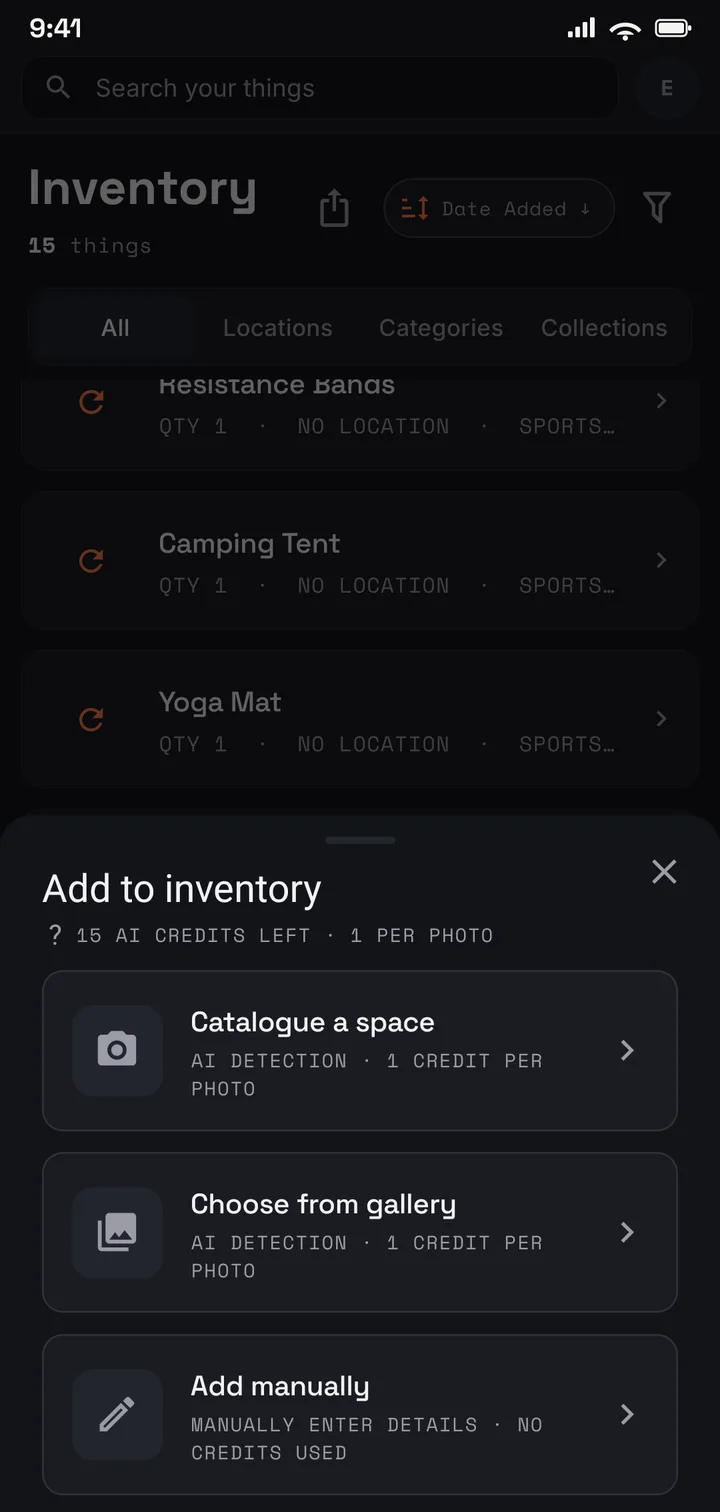
Open the doors and photograph a shelf at a time.
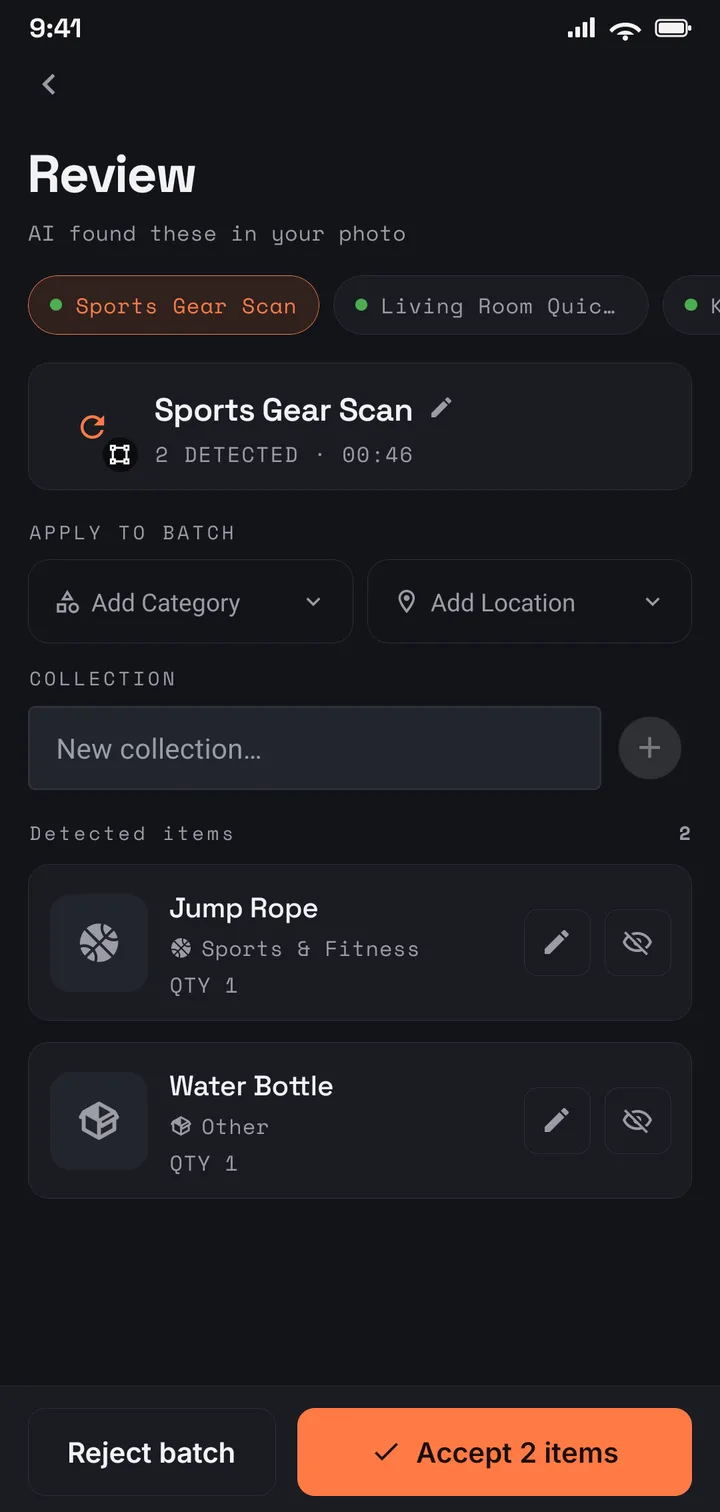
AI drafts an entry per item; you add the use-by dates that matter.
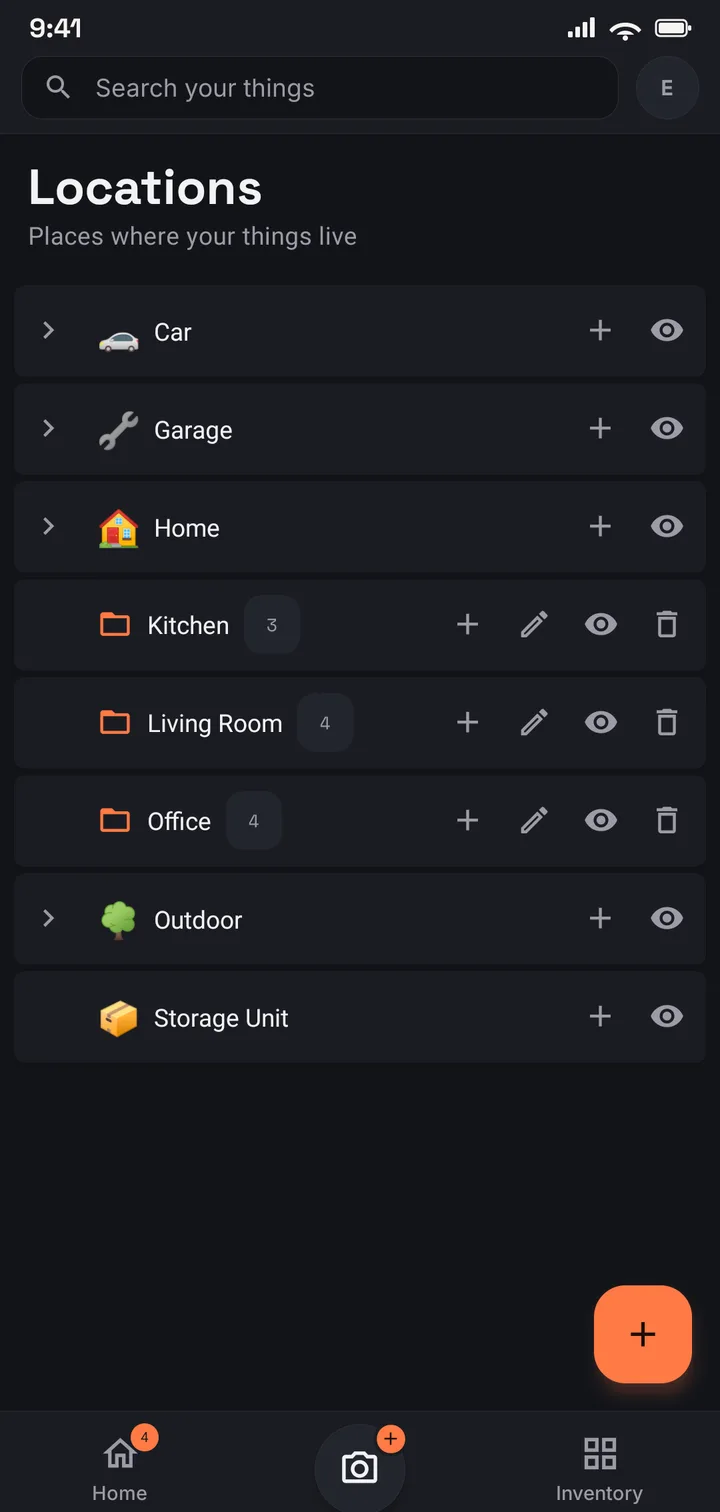
Pantry, fridge, freezer, the garage shelf — each a place you can browse.
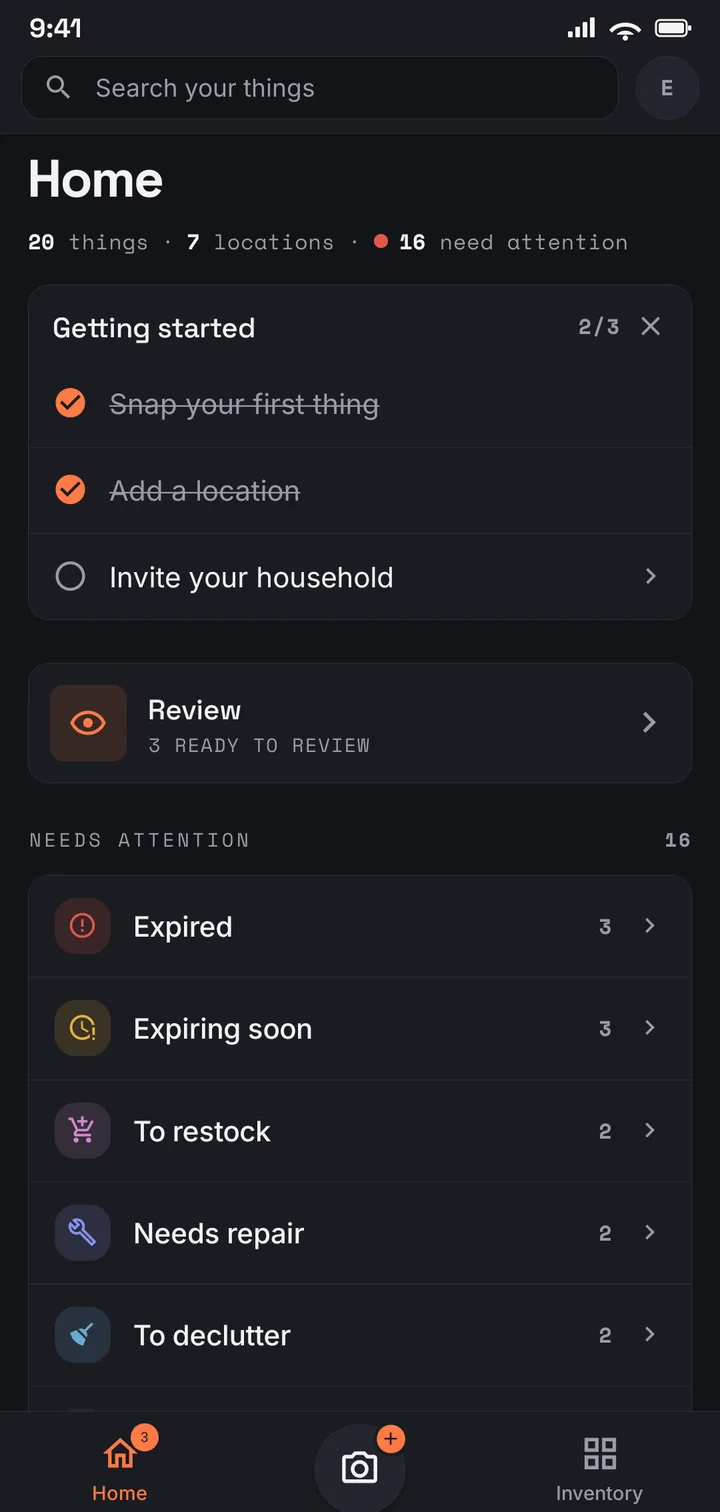
Expired, expiring soon, to restock — the kitchen tells you what needs attention.
Where to start
The free plan — 75 items across 8 locations, with a monthly allowance of AI photo captures — genuinely covers a pantry and a freezer, especially with staples grouped by quantity. Plus opens up the whole kitchen and beyond: 1,000 items across 50 locations. And on Family (US$6.99/mo · US$69.99/yr), everyone shares the same list, so whoever is at the shop sees what needs restocking.
Use it in your browser today · Android on Google Play
Give any perishable a use-by date and the home dashboard keeps expired, expiring-soon, and to-restock lists in one view, in the browser and on Android alike; on Android a notification also lands before the date passes. The dates you record are the dates it watches — nothing is guessed.
No — a shelf at a time. AI drafts an entry for each item it sees in the photo, and identical staples work best as one entry with a quantity: six tins of tomatoes is one line, not six.
No — there is no barcode scanning. Putting the week’s shop into the record is one photo of the bags unpacked onto the counter, then a quick confirm; adjusting a quantity when you use something up is a couple of taps.
Yes — on Family, you and up to three others share one inventory. Anyone can mark something to restock or update a date, and everyone sees the same kitchen, including from the supermarket aisle.