
Work a page at a time
Photograph the album page as it sits. AI drafts an entry per stamp it can make out — and for the singles that deserve their own portrait, photograph them individually and the entry keeps every shot.
Stamp collecting
Photograph an album page or a stock card. AI drafts an entry for each stamp it can make out, with a cropped photo — you correct the drafts and add what a philatelist actually records: country, year, denomination, condition.

What you get
Photograph the album page as it sits. AI drafts an entry per stamp it can make out — and for the singles that deserve their own portrait, photograph them individually and the entry keeps every shot.
Mint, used, hinged, the centring you would call it — the description and tags are free-form, so the collection is recorded in the vocabulary you already use, and searchable by it.
Record a value per stamp or per page lot, then export an itemised PDF with totals or a spreadsheet when insurance documentation or a sale needs figures rather than memory.
How it works
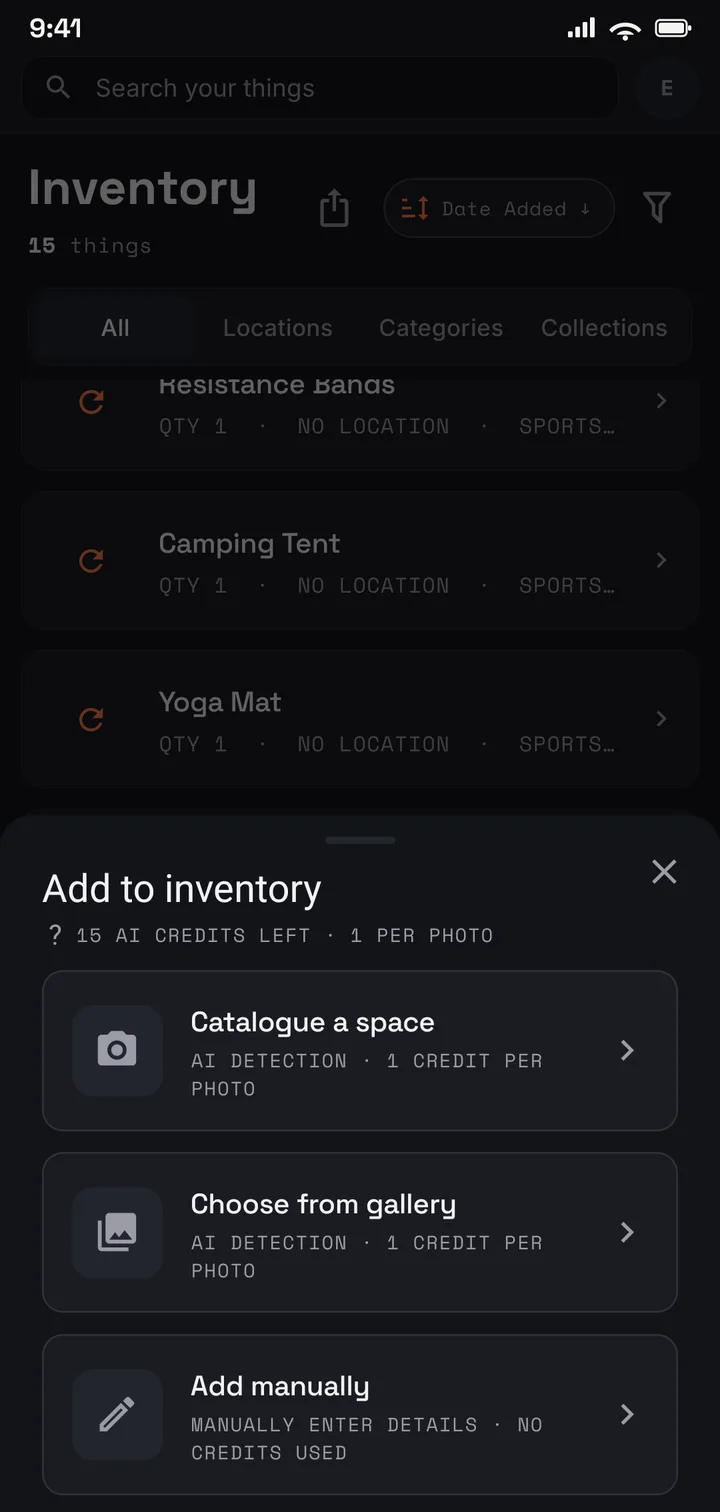
Photograph an album page or a stock card at a time.
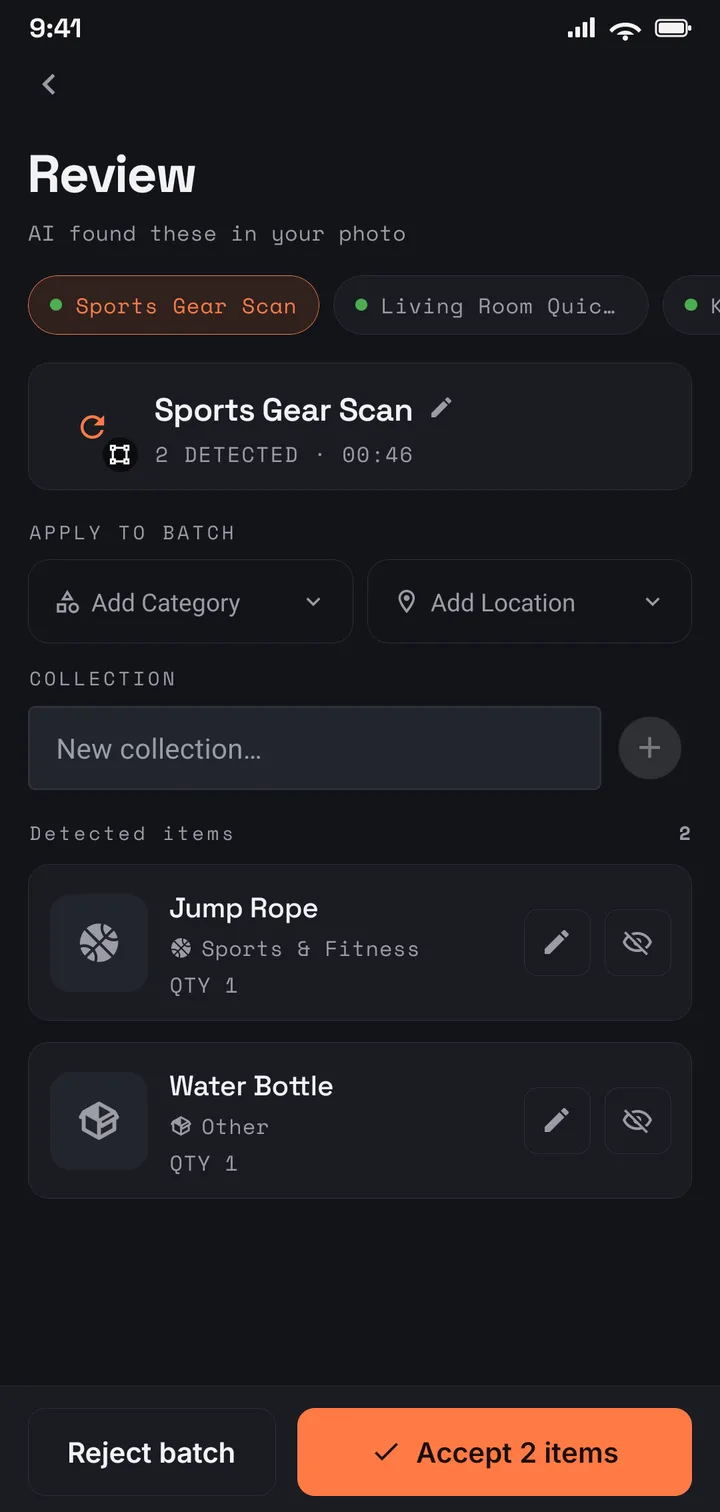
AI drafts an entry per stamp it can make out; you correct and confirm.
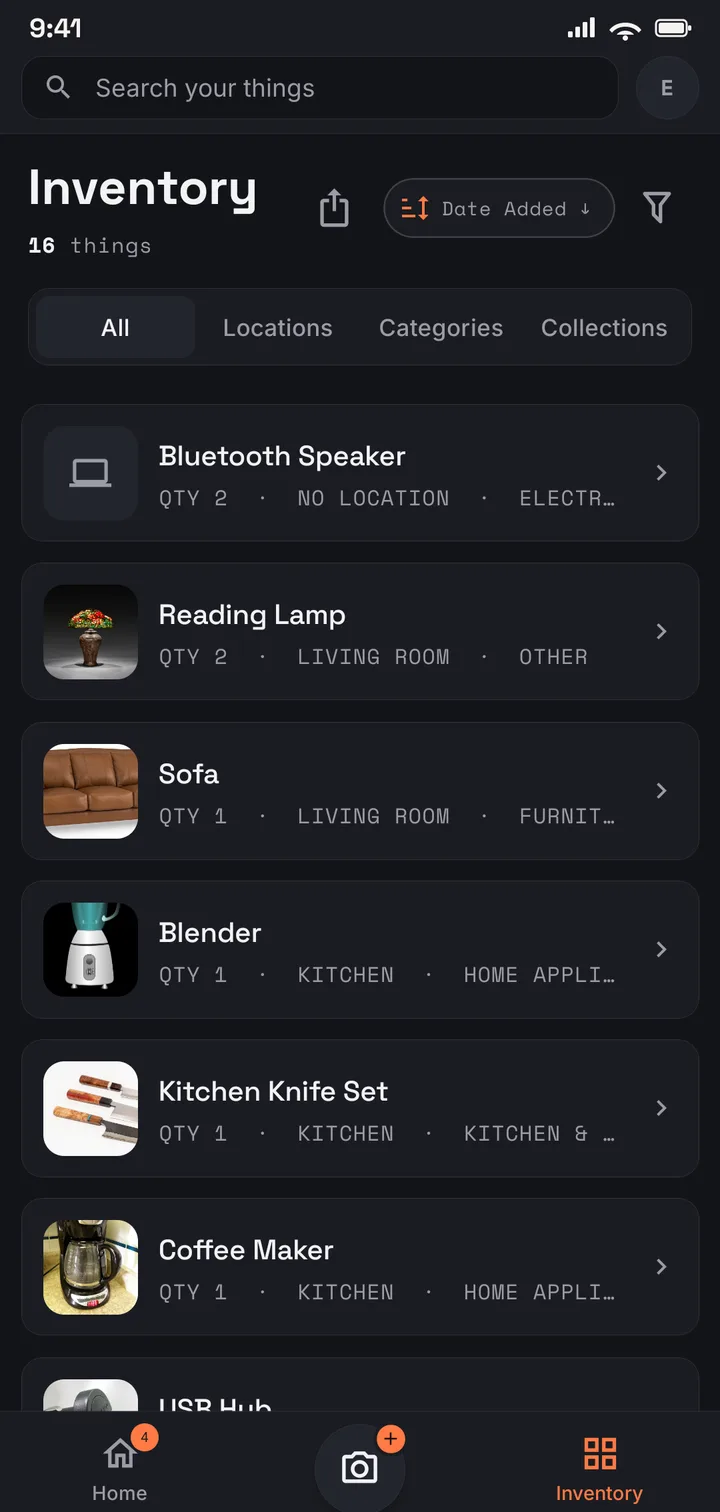
Country, year, and condition, searchable across every album.
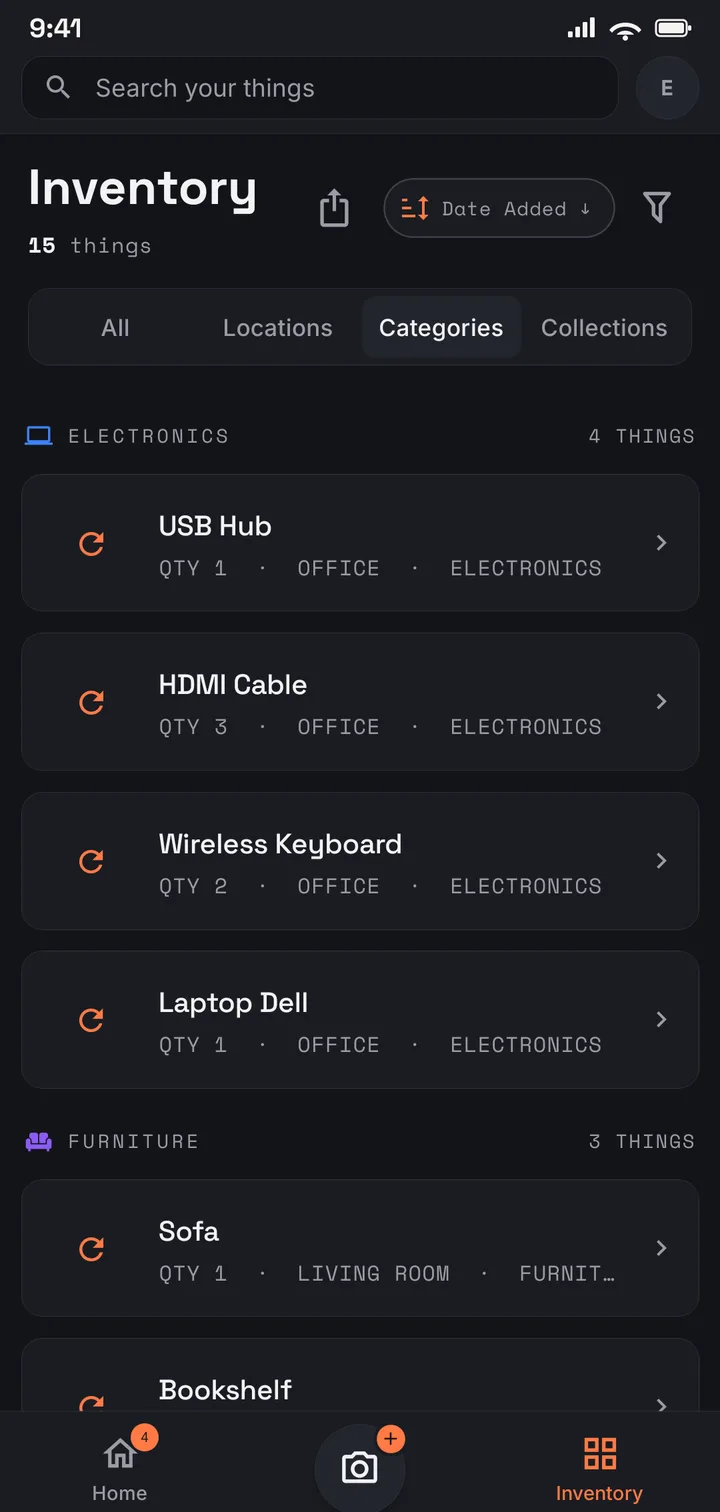
Albums, stock books, and the box of covers — one collection.
Where to start
Start free with 75 items — one album’s highlights. Plus holds the collection proper: 1,000 items across 50 locations, so every album, stock book, and box of covers is its own place. A lifetime collection that has outgrown counting fits Pro (US$9.99/mo · US$99.99/yr), with no item or location limits.
Use it in your browser today · Android on Google Play
Yes — tags are free-form, so tag by country, period, or theme and search any of them back out. Collections keep one list across albums, so a themed set of entries reads together even when the stamps live in three binders.
No. There is no catalogue lookup — the AI describes what it sees in the photo, and the attribution stays yours: country, year, watermark, perforation, whatever catalogue numbers you use. The app’s job is keeping that record straight, not second-guessing it.
It drafts an entry for each stamp it can make out, and a crowded page will need some corrections — that is what the review step is for. Add anything it missed by hand in a few seconds, or photograph the important stamps individually for a cleaner record.
Yes. It is tied to your account, encrypted in transit and at rest, never sold, and never used for advertising. It is shared only if you invite family members to it.