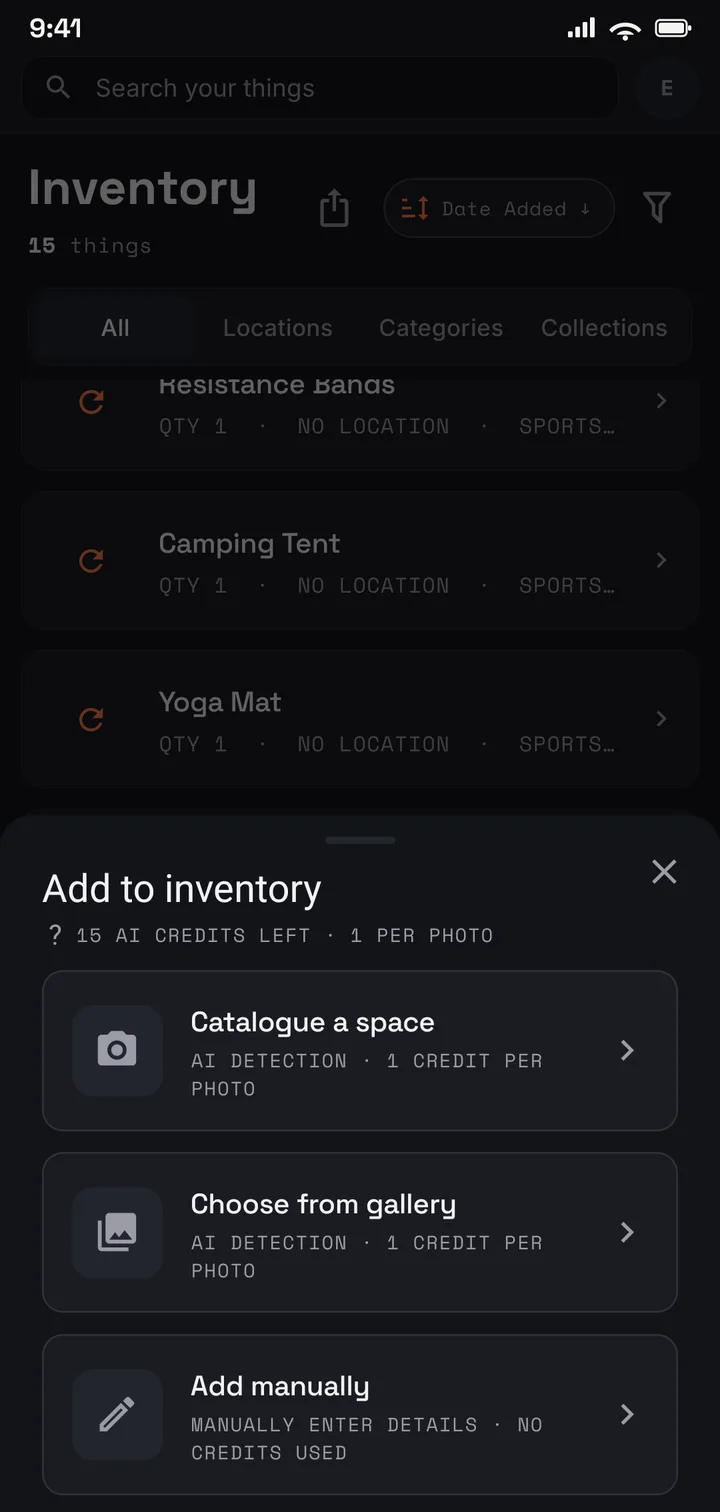
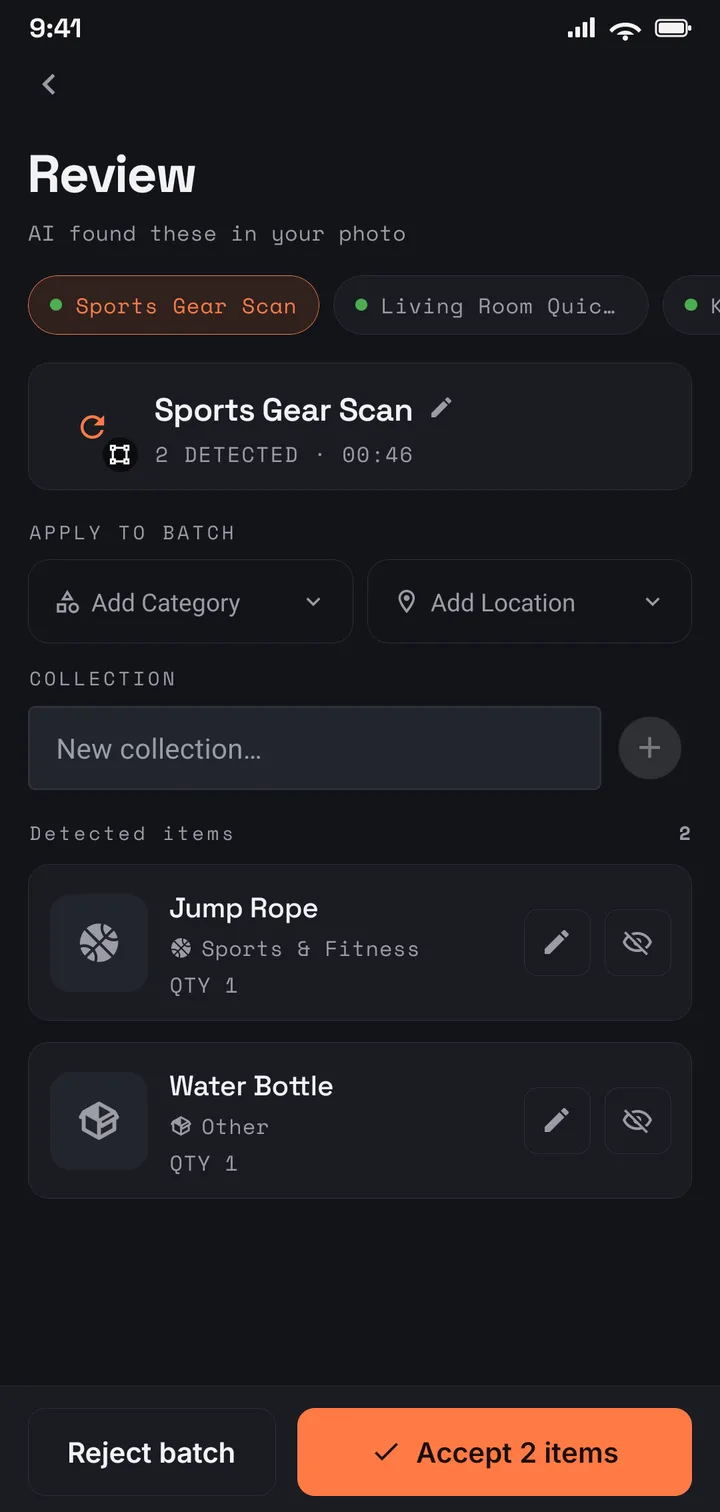
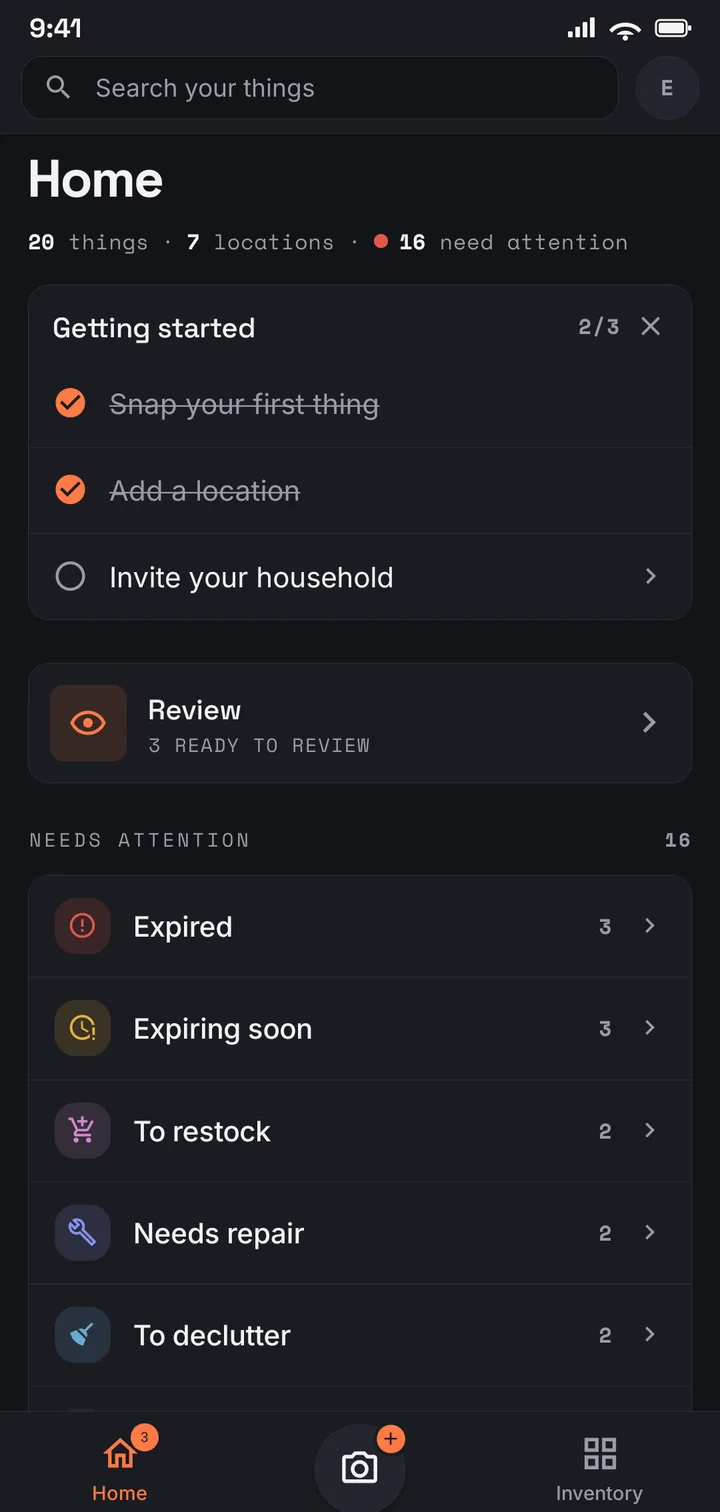
Coins and records. Comics, models, and Pops. Pattern stashes, camera bodies, guitars, tools. Different things, one job — knowing what you own, where it lives, and what it is worth. Photograph a shelf and AI drafts an entry per piece, each with its own cropped photo.
What you get
Three things a collection catalogue has to do
Catalogue a shelf in one shot
Lay the pieces out or shoot the shelf as it stands. AI drafts an entry per piece, each with its own cropped photo; you confirm. Grades, pressings, editions, serial numbers, and what you paid go on each item in your own words.
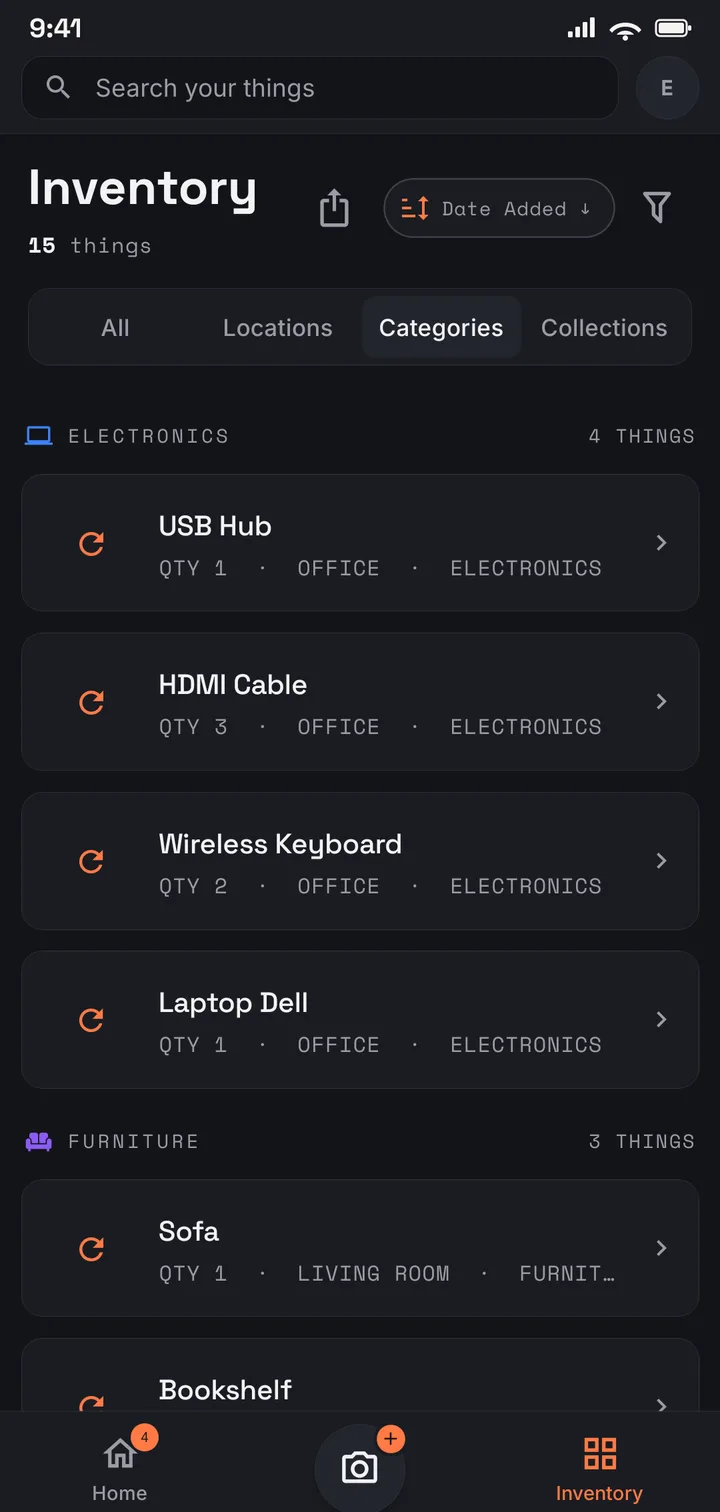
Keep one list for a collection that lives in three rooms
Collections cut across locations, so the boxes in the loft, the shelf in the study, and the crate under the bed still read as one list. Search by name or tag to find a piece without opening every box — and stop buying the second one of something you already own.
Know what the whole thing is worth
Record a value piece by piece. The itemised PDF totals the collection for a policy review, a sale, or a “how much is all this?” conversation; the spreadsheet carries the same figures.
By collection
Start with what you collect
The same catalogue, described in the vocabulary of one collection at a time.
Start free with 75 items — enough to see your best pieces catalogued properly. Plus covers a serious collection: 1,000 items across 50 locations, with PDF reports. A collection the whole family adds to fits Family (US$6.99/mo · US$69.99/yr); and when a collection outgrows counting, Pro (US$9.99/mo · US$99.99/yr) removes the item and location limits entirely.
Use it in your browser today · Android on Google Play
Anything you can photograph. Coins, stamps, records, comics, models and diecast, books, films, Pops, sewing patterns, camera kit, instruments, tools — items, locations, collections, and tags shape themselves to what you own, so the same catalogue holds all of them at once.
Is there a mode for my collection?
No — there is one catalogue and no per-collection template, and nothing here scans a barcode or looks a title up in a catalogue database. You photograph what you own, AI drafts an entry per piece with a cropped photo, and you fill in the detail that matters to you.
Can I record grades, editions, serial numbers, and what I paid?
Yes. Every item carries a free-form description, tags, a quantity, and a value alongside its photos — record the grade, the pressing, the variant, the serial number, and the purchase date the way you would naturally write them, then search by tag to pull a subset back out.
Is my collection private?
Yes. Your catalogue is tied to your account, encrypted in transit and at rest, and never sold or used for advertising. It is shared only if you choose to invite family members to it.