
Catalogue the shelf as it stands
Photograph a row of cases and AI drafts an entry per film it can see, with its own cropped photo. Tidy the titles, confirm, and move down the shelf.
Movies & physical media
Shoot the shelf, cases out. AI drafts an entry per case it can see — you tidy the titles, tag the format, and note the editions worth noting. The whole shelf becomes searchable before you buy a second copy of anything.
What you get
Photograph a row of cases and AI drafts an entry per film it can see, with its own cropped photo. Tidy the titles, confirm, and move down the shelf.
DVD, Blu-ray, 4K, steelbook, boxset — tags are yours to define and search by. Search from the shop to settle “do we own this, and on which format?” before paying for it twice.
Record what the copies are worth — the out-of-print editions especially. Export an itemised PDF with totals or a spreadsheet for insurance documentation, or for the day the collection moves house.
How it works
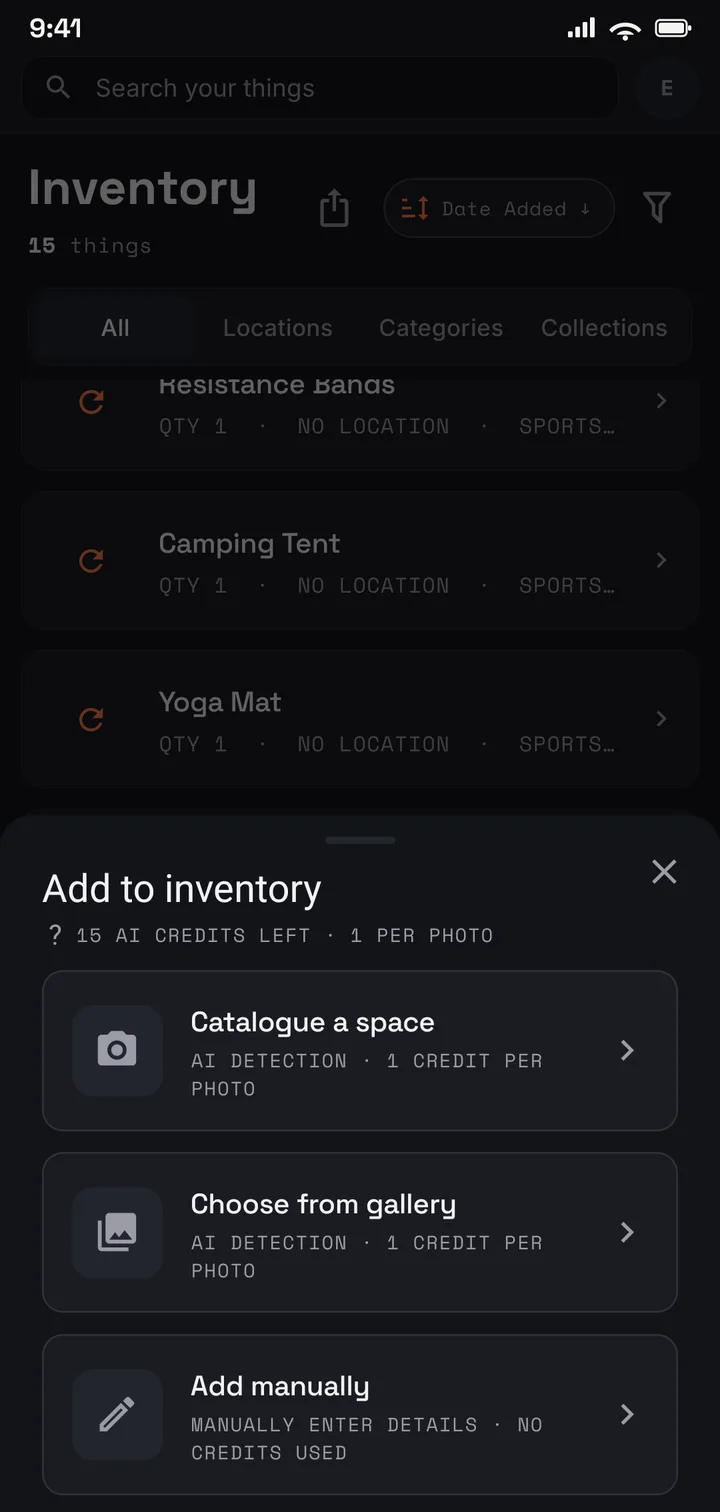
Shoot the shelf of cases, a row at a time.
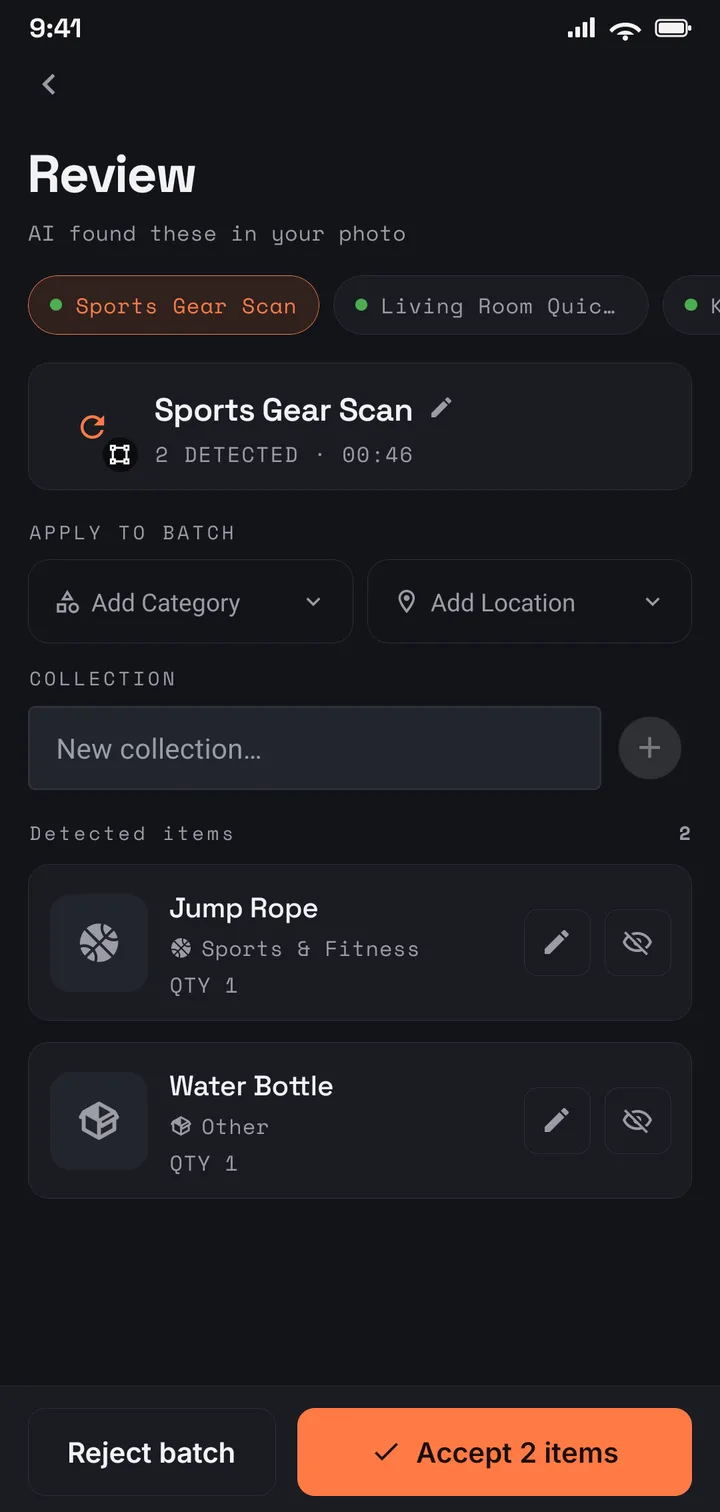
AI drafts an entry per case; you tidy the titles and tag the format.
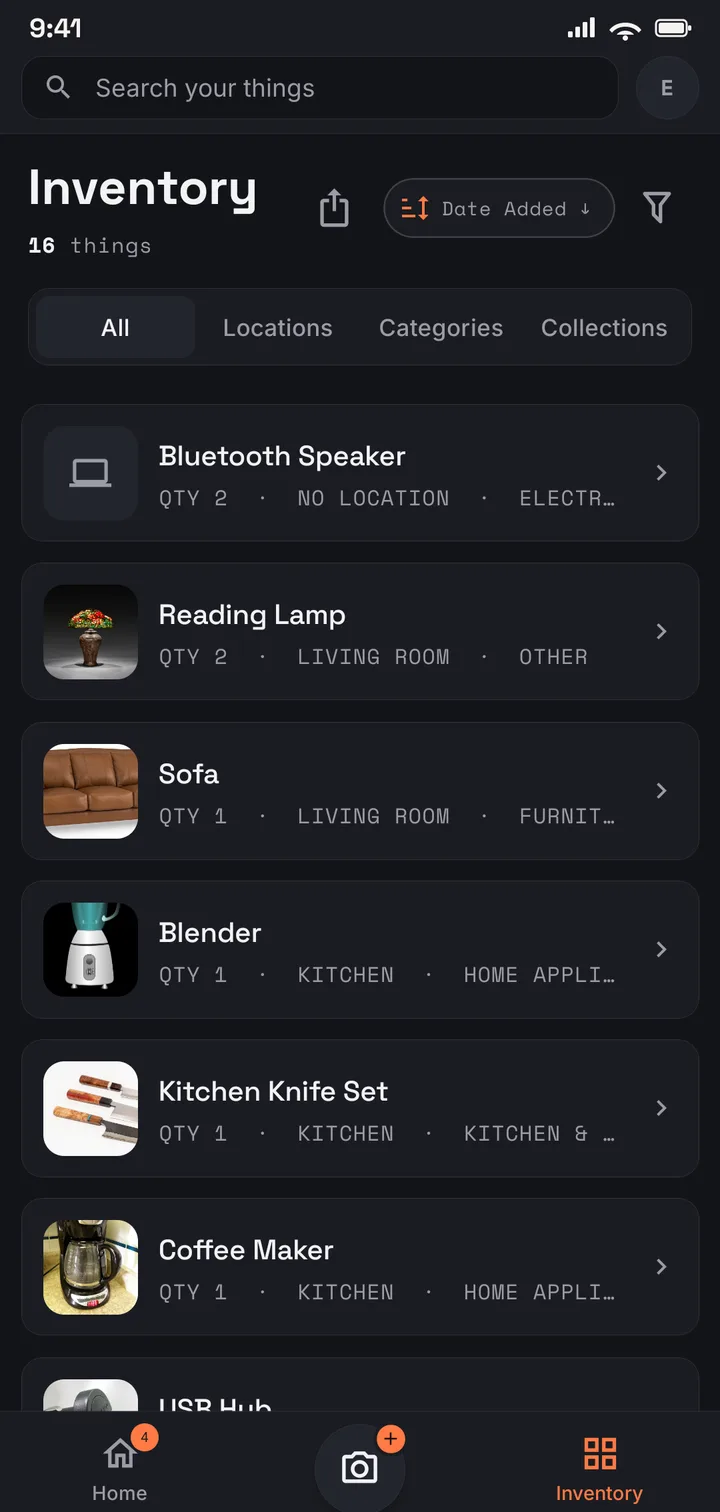
Search a title in the shop before buying it twice.
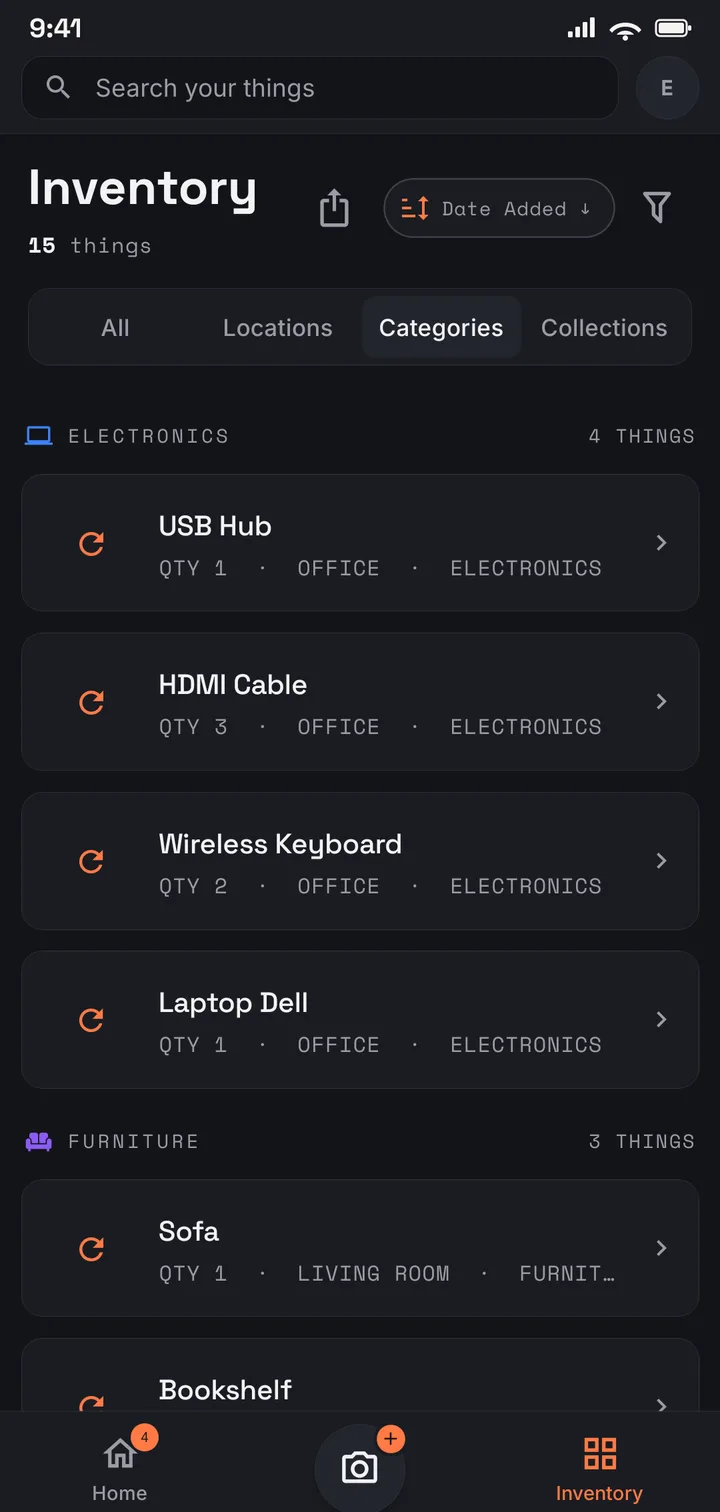
The living-room shelf, the office boxes, the steelbooks — one collection.
Where to start
Start free with 75 films — the favourites shelf. Plus fits the collection: 1,000 films across 50 locations, with the itemised PDF report. A wall of physical media that has outgrown counting fits Pro (US$9.99/mo · US$99.99/yr): no item or location limits.
Use it in your browser today · Android on Google Play
Whichever way you think about it: two entries, one per copy, each tagged with its format — or one entry with a quantity and the editions listed in its description. Tags keep either approach searchable.
A boxset catalogues naturally as one entry — one photo, one value, a description listing what is inside. If one disc matters enough to stand alone, give it its own entry. Your shelf, your rules.
No — no barcode scanning, no database lookup. You photograph the cases, AI drafts an entry per film it can see, and you confirm. The record is of your shelf: the cut you own, the format it is on, the condition of the case.
Yes. It is tied to your account, encrypted in transit and at rest, never sold, and never used for advertising. It is shared only if you invite family members to it.